
How to build an Instagram content calendar that runs itself
June 9, 2026
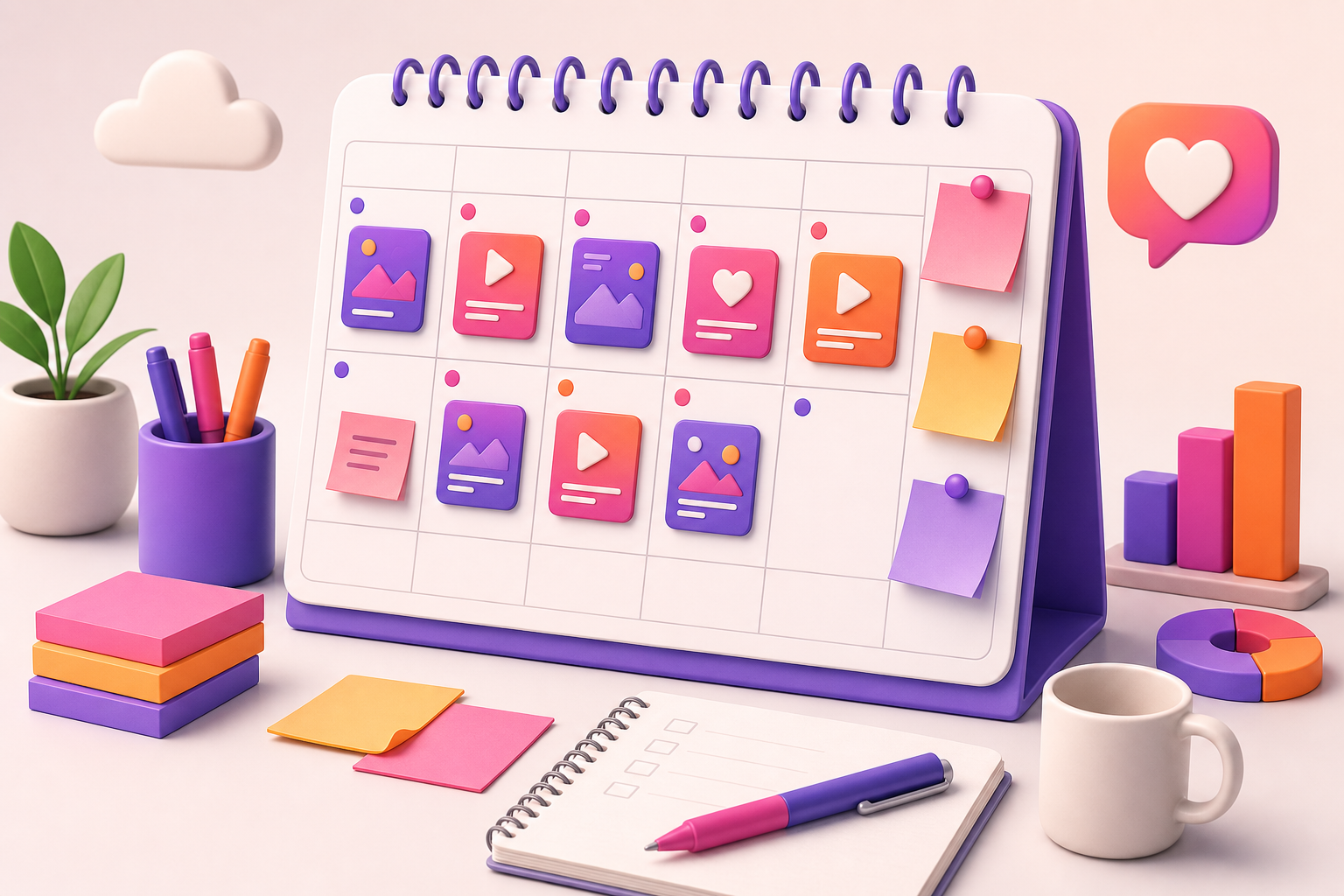
The daily question "what should I post today?" is the silent killer of consistency. It drains your energy, leads to rushed content and eventually makes you skip days altogether.
A content calendar removes that question entirely. This is a lightweight, repeatable system any creator or small business can use to plan ahead, stay consistent and let publishing run on autopilot.
Key takeaways
- Start with content pillars
- Batch your ideas in one place
- Plan one week at a time
- Balance value and promotion
- Automate the publishing
Start with content pillars
Pillars are 3-5 recurring themes your account always talks about. They give your calendar structure so you never stare at a blank page wondering what to post.
- Educational: tips, how-tos and myths.
- Behind the scenes: process and personality.
- Social proof: results, reviews and testimonials.
- Promotional: offers, launches and calls to action.
Batch your ideas in one place
Collect every idea — a note, a screenshot, a trend — into a single backlog. When planning time comes, you pull from a full list instead of inventing from scratch.
Plan one week at a time
Block a single weekly session to assign ideas to days, design the Stories and schedule them. One focused hour usually covers a whole week of content.
Planning weekly keeps you flexible enough to react to trends while still being organized.
Balance value and promotion
A calendar makes it obvious when you are selling too much. Aim for a healthy ratio where most Stories give value and a smaller portion promote, so your audience never feels constantly pitched.
Automate the publishing
A plan only works if it actually goes live. With auto-posting, your calendar turns into real, published Stories at the times you chose — no daily manual work and no missed slots.
Frequently asked questions
How far ahead should I plan my content calendar?
Planning one to two weeks ahead is a good balance between organization and staying flexible enough to react to trends.
What should go in an Instagram content calendar?
Your content pillars, the specific Story or post for each day, the publishing time and any campaign or launch dates.
Do I need a tool for a content calendar?
You can start with a spreadsheet, but a scheduling tool that combines a visual calendar with auto-posting saves the most time.
How do I stay consistent with a content calendar?
Batch your content in one weekly session and schedule it so publishing happens automatically, removing the daily decision.
Ready to schedule your Instagram Stories?
Plan, design and auto-post your Stories from one place — no phone in hand, no notifications to tap.


