
Interactive Story stickers that boost your reach (and how to use them)
June 4, 2026
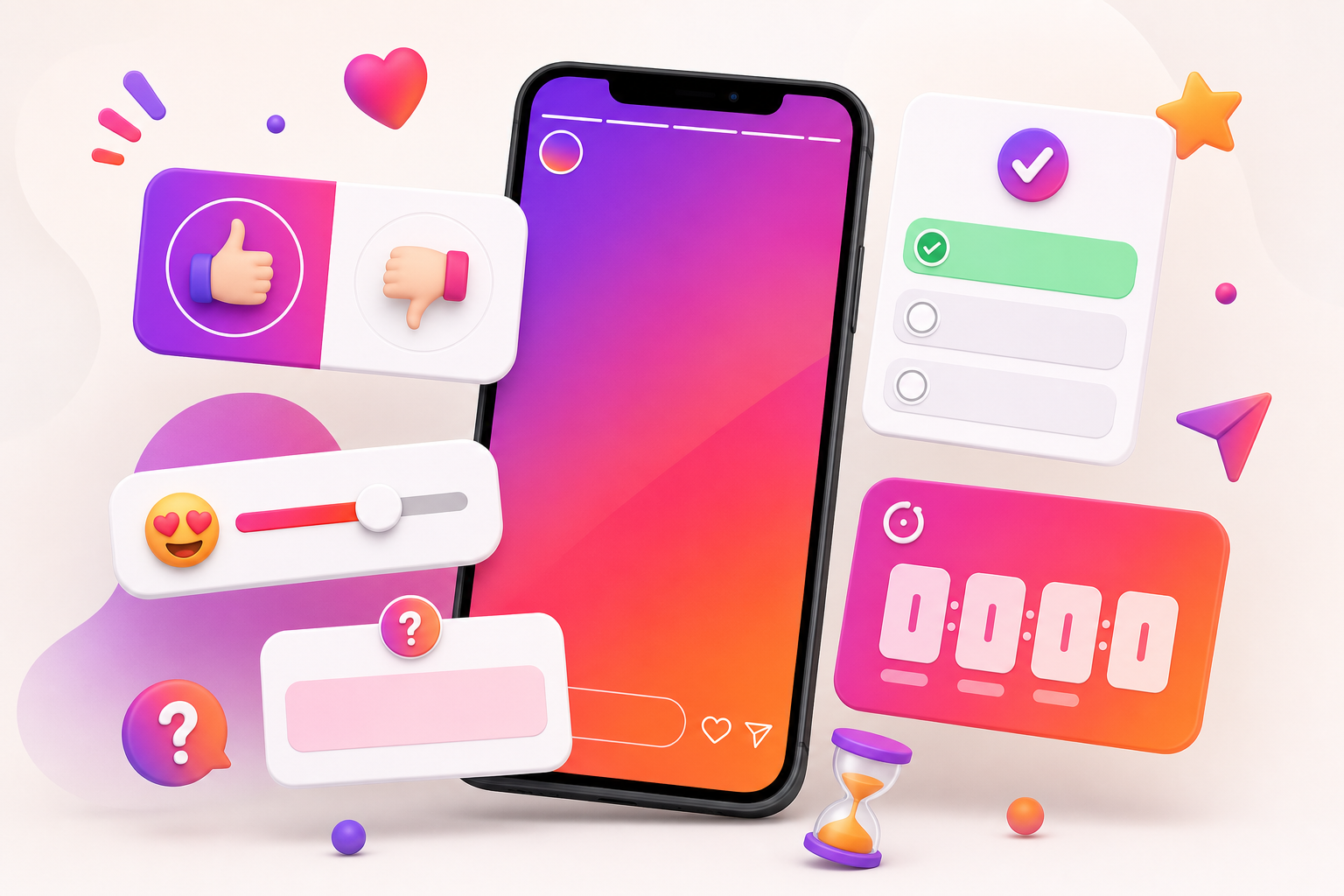
Interactive stickers are the closest thing Instagram gives you to a free reach booster. Every tap, vote and reply tells the algorithm that people care about your content, which means it gets shown to more of your audience.
But not all stickers are equal, and dropping them randomly rarely works. Here is how to use each interactive sticker with intent so your Stories spark real engagement instead of being scrolled past.
Key takeaways
- Why interactive stickers help your reach
- Polls and quizzes: the easy win
- Questions and sliders: start conversations
- Countdowns and links: drive action
- How to keep stickers when you schedule
Why interactive stickers help your reach
Instagram measures how people respond to your Stories. Taps, replies and shares are strong signals that your content is worth distributing, so engagement-friendly stickers can directly increase how many people see your next post.
They also keep viewers on each slide a fraction longer, which improves retention — another metric the algorithm pays attention to.
Polls and quizzes: the easy win
A two-option poll is the lowest-effort interaction you can ask for. People tap almost on reflex, and you get instant feedback plus an engagement signal. Quizzes add a playful challenge and a reason to keep watching to see the answer.
- Use polls for quick opinions and A/B style questions.
- Use quizzes to teach something and reward curiosity.
- Keep options short so they are readable at a glance.
Questions and sliders: start conversations
The question sticker invites your audience to talk to you, which often turns into DMs and deeper relationships. The emoji slider captures an instant emotional reaction and works great for reveals, reactions and "how excited are you?" moments.
Countdowns and links: drive action
Countdowns build anticipation for launches, drops and events, and viewers can opt in to be reminded. The link sticker is your bridge off-platform — send people to a product, article or sign-up exactly when their interest is highest.
How to keep stickers when you schedule
A common worry is that stickers disappear when you schedule Stories. With Stickstories you can add native-style interactive stickers in the editor and they stay fully functional after auto-posting, so you never have to choose between planning ahead and engaging your audience.
Frequently asked questions
Do interactive stickers really increase reach?
They increase engagement signals like taps and replies, which the algorithm uses to decide how widely to distribute your content. More engagement usually leads to more reach.
How many stickers should I put on one Story?
Usually one clear interactive sticker per slide. Too many at once overwhelms viewers and lowers the chance they engage with any of them.
Can I schedule Stories with interactive stickers?
Yes. With Stickstories you add stickers in the desktop editor and they remain interactive after the Story is auto-posted.
Which sticker is best for getting replies?
The question sticker is the most direct way to start conversations, while polls and sliders are best for fast, low-effort taps.
Ready to schedule your Instagram Stories?
Plan, design and auto-post your Stories from one place — no phone in hand, no notifications to tap.


